
Why number availability changes between browsing and ordering
Understand current SMS inventory, refresh an offer before ordering and assess alternatives without creating a chain of duplicate purchases.
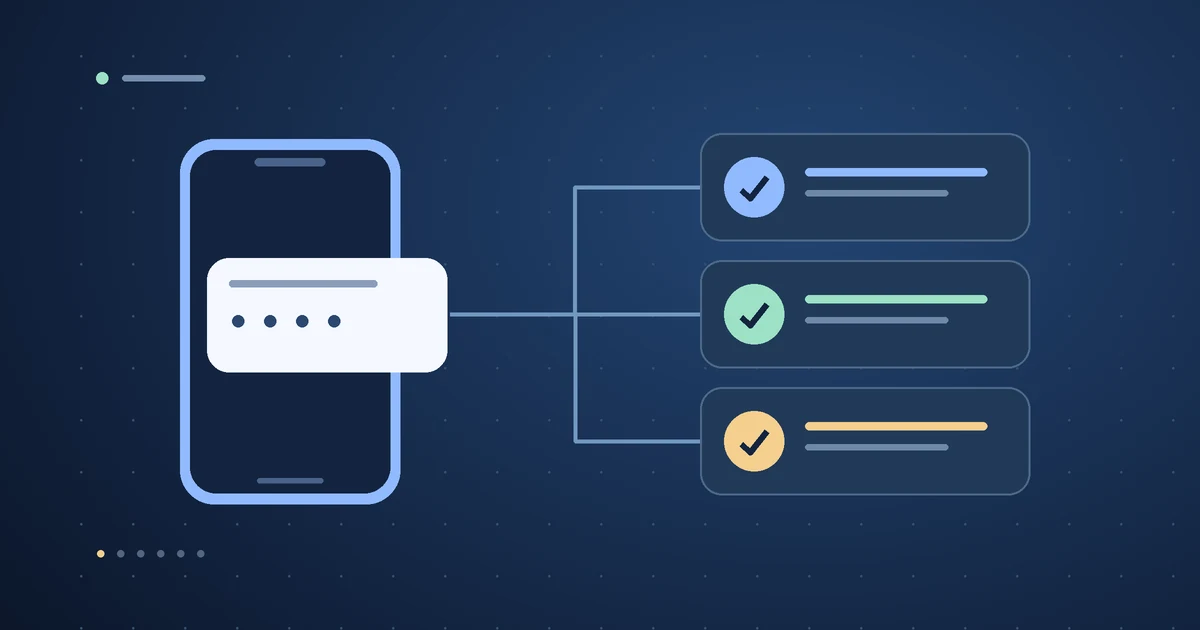
A service card shows an offer at a particular moment. Availability may change while you read the conditions. That calls for a fresh check, not an assumption that an existing order disappeared or was charged.
Browsing is different from ordering
Viewing the catalog does not reserve a number. After submitting an order, inspect its own state. A number still being allocated is not a reason to immediately create another purchase.
Supplier routes and availability differ. An old tab or search snippet does not promise current stock. Refresh the offer within the intended service card first.
Assess acceptable alternatives
Consider another country only if the receiving platform allows it and it fits your own task. A popular option is not necessarily suitable for you. A higher price alone does not guarantee successful verification.
- Check the current price and country.
- Confirm that an earlier order is not processing.
- Review the receiving application's requirements.
- Pause if compatibility is unclear.
Avoid blind purchase chains
Parallel orders complicate accounting without explaining the platform's rejection. If the error concerns an unsupported number type, a similar purchase may repeat the problem. Read the exact response before deciding.
Record the actual result
Keep the service, country, time and existing order ID. Do not assume a restocking deadline that has not been stated. Continue with finding the correct service and understanding prices and reserved funds.
← All articles

