
Price, reservation and charge: reading an SMS order payment state
Follow a fictional balance example to understand why spendable funds can decrease before settlement and what to compare in transaction history.
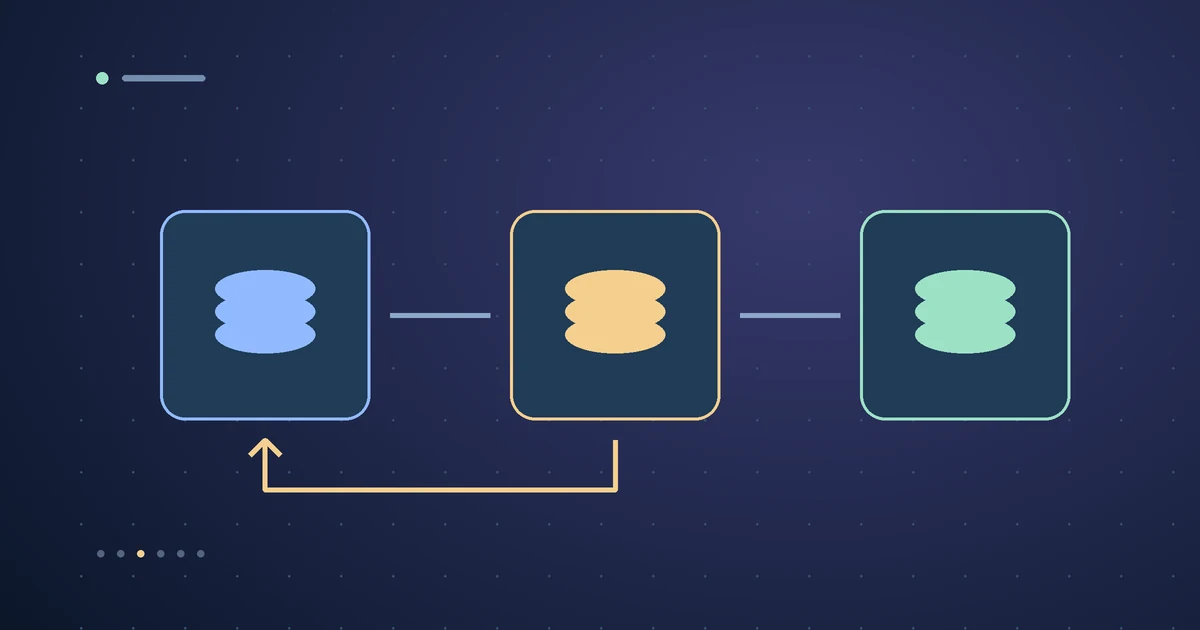
A lower available balance does not by itself tell you whether an order has settled. Some funds may be reserved while the order is running. Compare the selected offer, the current order state and the relevant history entries.
Read the offer price
The price belongs to a specific service and country. The catalog displays it in USD with four decimal places. Check the current amount before ordering; an article example or yesterday's screenshot is not a live quote.
Receiving a number does not include a promise that a third-party platform will create an account. Read the order's financial result from its state and the registration result from the platform itself.
Follow a reservation example
Suppose 5.0000 is available and an order costs 0.2500. After reservation, 4.7500 is available and 0.2500 is held. There is one order and one reserved amount, not two payments. These figures are illustrative.
If an eligible SMS is received and the operation settles, the reservation becomes a final charge. If an order ends without SMS in a state that releases the hold, that amount becomes available again. An intermediate or uncertain supplier result may still need reconciliation; it is not an already completed refund.
Keep top-ups separate
A payment invoice has its own method, asset, network, amount and status. A USD service price and a USDT transfer, for example, describe different parts of the process. Follow the details of the invoice you actually opened.
An outgoing transfer confirmation does not by itself establish that a top-up has been credited on the site. Review the payment status rather than messages from an unknown intermediary.
Reconcile a mismatch
- Check the exact order reference and price.
- Read its current state and completion time, if present.
- Separate available funds from reserved funds.
- Locate history entries associated with that order.
- For a top-up, check the separate invoice and payment state.
Do not create another payment merely because a screen has not refreshed. Update the information and use a support ticket with the operation reference if the result remains unclear. See the payment guide for methods and the relevant service page, such as Telegram, for current offers.
← All articles

