Testing SMS in your own app: when you need a real number
Separate interface checks, server rules and real delivery. Build a controlled test run without paying for unnecessary messages.
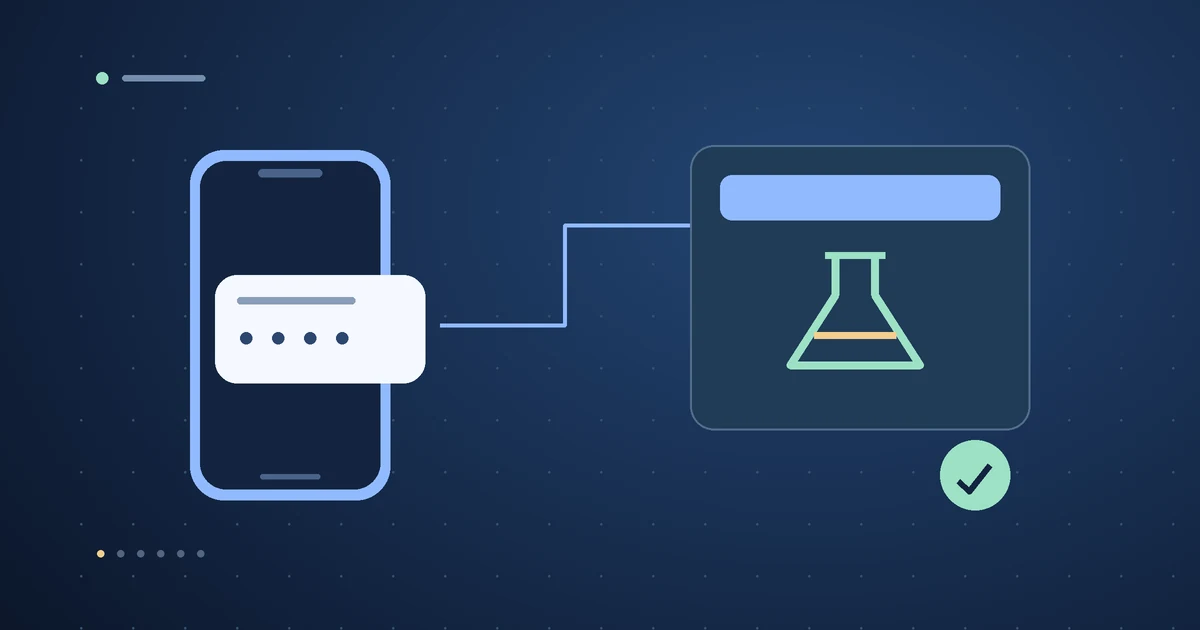
A working code-entry form does not prove that an SMS reached a phone. Equally, a delivered message does not prove that your application completed the intended action. Separate interface checks, server rules and delivery checks so each failure has a clear owner.
Start with simulated messages
In staging, provide controlled responses for a valid code, an expired code and a delayed request. Check error messages, repeated clicks and the transition after confirmation. Test values must remain confined to the test environment; they must never become a master code for real users.
Test the server separately for expiry, one-time use and association with the intended action. An incorrect code must leave the action unconfirmed. Run these negative cases on your own system rather than attempting codes against someone else's service.
Use a real number for the delivery question
A real delivery check can establish whether the sender, message content and operator route work together. Agree on the test, use a dedicated test account and define success before spending money. Sending, receiving and completing the application flow are separate milestones.
Lucky Monkey catalog offers belong to specific services. An offer is not automatically a receiving number for your own application. Confirm channel compatibility first; otherwise use a SIM you control or your messaging provider's testing facilities.
Keep the live run small
- Record the build and the delivery question being tested.
- Assign an owner and a spending limit.
- Confirm access to the receiving number before sending.
- Make one agreed request and record its time.
- Compare the sender's delivery state with the receiver's result.
If the message fails, inspect your sending application before buying another number. A second purchase will not explain a request that never left the server.
Write an actionable result
Record the test ID, time, failed stage and outcome. Keep codes, passwords and full numbers out of shared reports. For example: “Build 42, staging, message received, confirmation screen did not advance.” This identifies an interface defect without blaming an operator delay.
Continue with the SMS QA checklist, the guide to masking codes in reports and the current API documentation.