
Keeping SMS codes out of logs, screenshots and support tickets
A practical masking workflow: preserve useful diagnostic facts, remove secrets before sharing, and verify the exported screenshot.
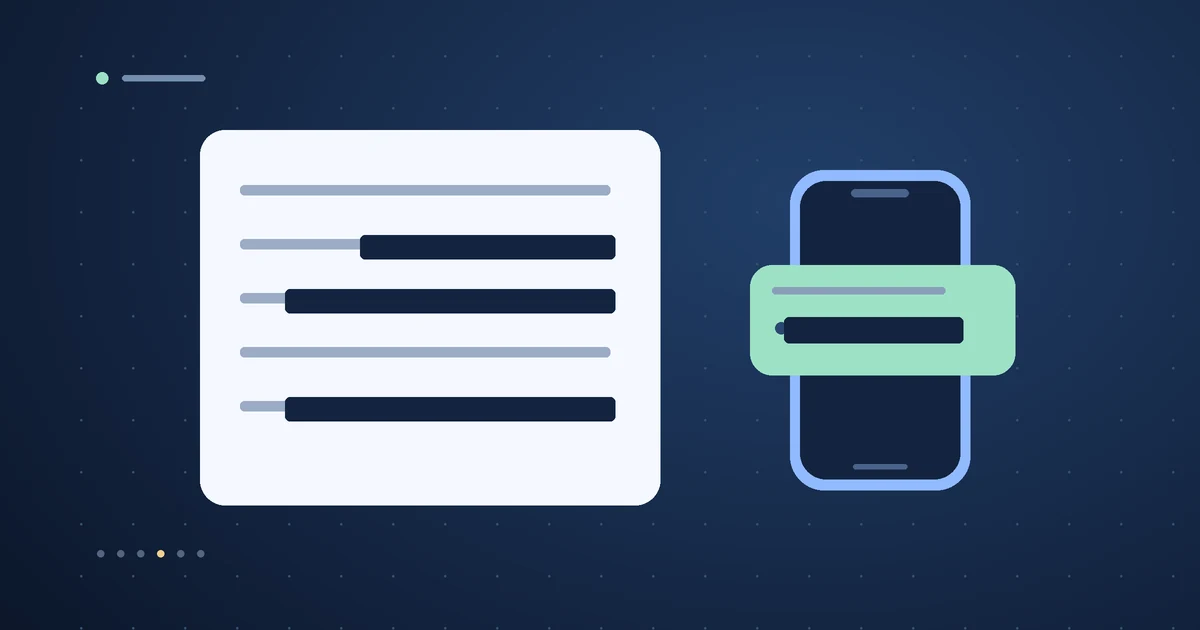
A useful incident report explains an event without creating another store of secrets. Leaks commonly happen when someone attaches a complete API response, captures developer tools or shares the whole order page instead of the relevant error.
Distinguish identifiers from secrets
An order ID helps locate an operation. A confirmation code enables an action. Most troubleshooting needs the first, not the second. Passwords, complete API keys, session cookies and Authorization headers do not belong in shared reports.
Replace a raw response with a short record: “Order DEMO-42, waiting, requested at 12:05 UTC, HTTP 200, no message yet.” DEMO-42 is a fictional identifier. The record states an observable result without publishing a phone number or SMS content.
Mask before persistence
Remove sensitive fields before writing an event instead of relying on cleanup later. In your own application, define an allowlist such as time, identifier, state and technical error code. Review error text too: it may contain a key in a URL or the original request body.
Replace a secret completely with a mask. Hiding only the middle of a short code still reveals unnecessary information. Do not upload real credentials to an unrelated online redaction tool.
Inspect the exported screenshot
- Crop unrelated tabs, the address bar and neighboring orders.
- Cover codes, credentials and unnecessary number digits with opaque blocks.
- Export a flattened image rather than an editable hidden layer.
- Reopen the saved file and inspect what remains readable.
Blur and translucent brushes can leave characters visible. Preserve the error, status and time so the screenshot still helps explain the problem.
Limit access and retention
Decide who may read team reports and when they are removed. That is a recommendation for your workflow, not a claim about Lucky Monkey's retention periods. Use the designated support channel instead of a public group.
If a key was published, deleting the screenshot cannot remove copies already made. Revoke the key and update the integration. For an order issue, use the safe ticket template.


