
Find the right catalog service before ordering a number
Use service and country search carefully: confirm the application, inspect its card, check current availability and avoid similarly named products.
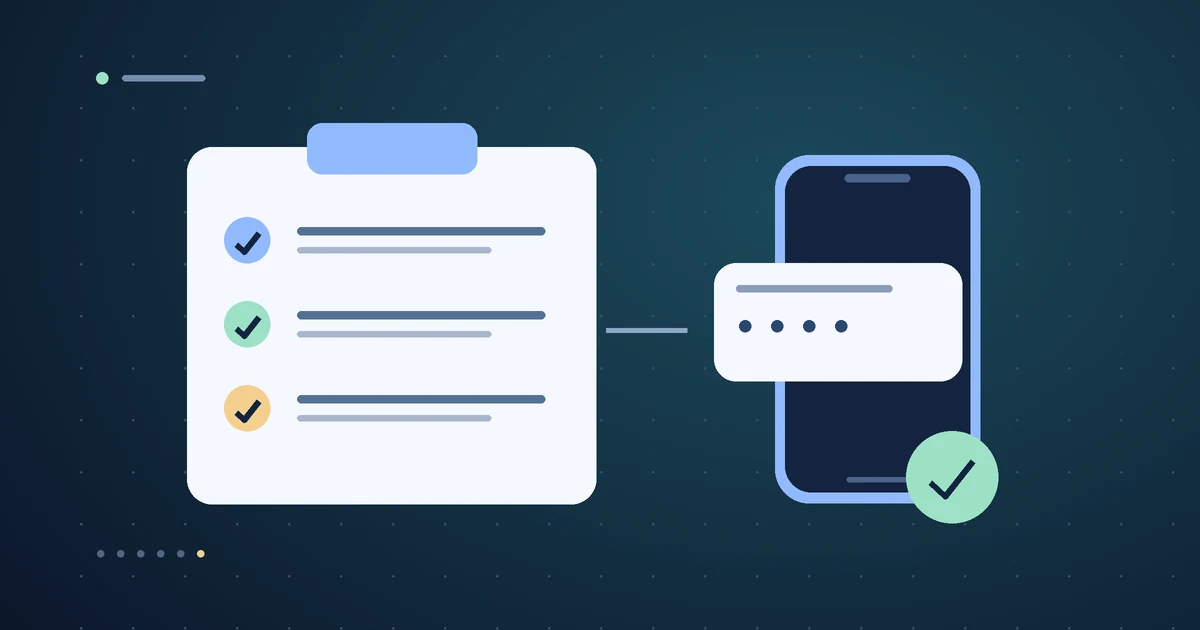
Similar app names and abbreviations can lead to ordering the wrong offer. Search helps narrow the list, but the service card should guide the final choice rather than the first matching letters.
Start with the actual application
Search for a recognizable part of its name. If several results appear, open the relevant card and compare it with the application where you intend to request your own code. A shared brand or similar icon does not make two products interchangeable.
Check the intended operation as well. Signup, sign-in and recovery may have different requirements at the receiving platform. A catalog listing does not override those requirements.
Choose a country inside the service card
Use country search after identifying the service. Flags are useful visual cues, but confirm the written country name and the receiving platform's accepted options. A popular position in the list is not a personalized recommendation or a promise of acceptance.
- The service name matches your task.
- The receiving platform permits the country.
- You have checked current price and availability.
- You are ready to request the message promptly.
An old screenshot is not current inventory
Offers and prices change. A saved catalog image records an earlier state, not a standing commitment. Recheck the order details before confirmation. Do not substitute a similarly named service solely because the intended one is unavailable.
Resolve uncertainty before buying
Use Help with the application's official name and your intended personal action. Do not send passwords, codes or access to another person's profile. If compatibility remains unclear, pause before purchasing. Continue with country selection and the pre-order checklist when the service has been identified.
← All articles

