
Delivery code or login code: do not authorize the wrong action
Read the message purpose, verify the real order and distinguish a delivery handover process from a request for account access or password recovery.
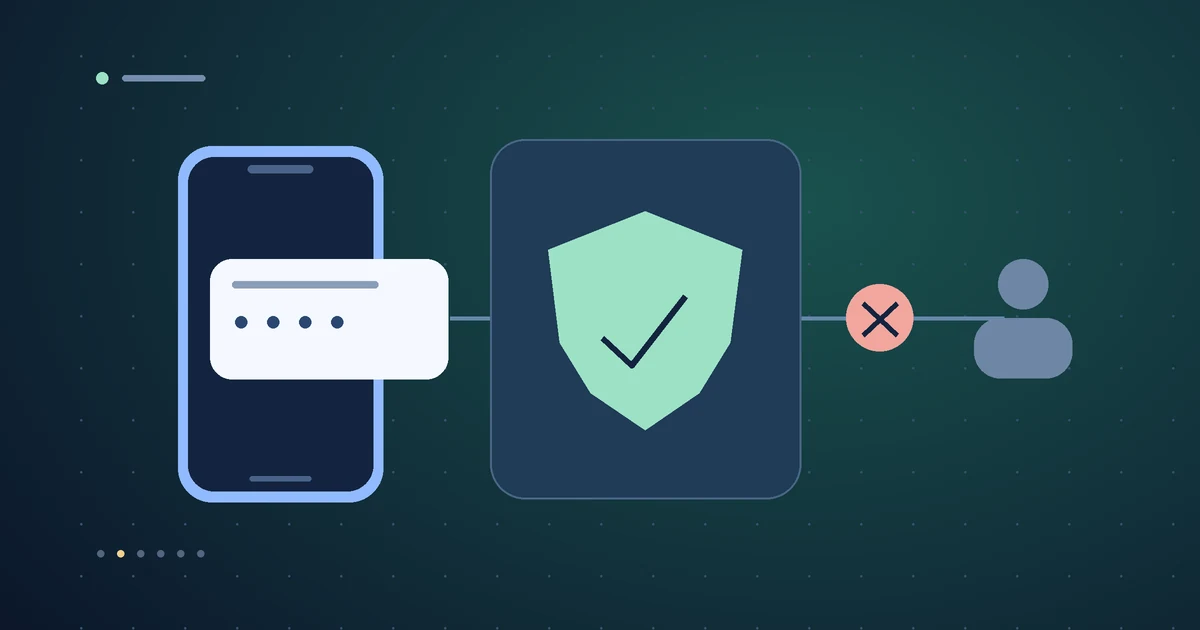
A buyer or supposed courier may ask for an “ordinary confirmation code.” Matching length does not make different codes equivalent. Read the message and identify the action it authorizes.
Distinguish the purpose
Login, password-reset and device-linking codes grant access or change account protection. Do not give them to a buyer, seller or someone claiming to be a courier. The FTC warns about attempts to obtain account verification codes.
A delivery handover code may serve a different purpose under the courier's own rules. Check those rules in the official application and use it only at the intended stage. Do not accept someone else's explanation as permission to substitute one purpose for another.
Check the real order
Open the platform independently and find your purchase or shipment. A chat link and knowledge of your name do not establish authority. Do not use an unfamiliar person's login page supposedly to receive payment.
- Match the order and its stage.
- Read the entire SMS purpose.
- Stop if it concerns account access rather than handover.
- Verify through the platform's official channel.
Do not authorize access as an experiment
A promise to “sign out immediately” does not make another person's login legitimate. Selling access, impersonation and using someone else's messages harm account owners. Do not participate.
Keep a safe incident record
Record the time and a masked description without publishing codes or personal data. If access was exposed, use your account's official protection controls. Read what to do after sharing a code and how fake support requests work.


