
Wallet top-up and SMS order: check two different states
Distinguish an invoice, credited balance and an SMS-order reservation so a payment question does not lead to unnecessary repeat payments or orders.
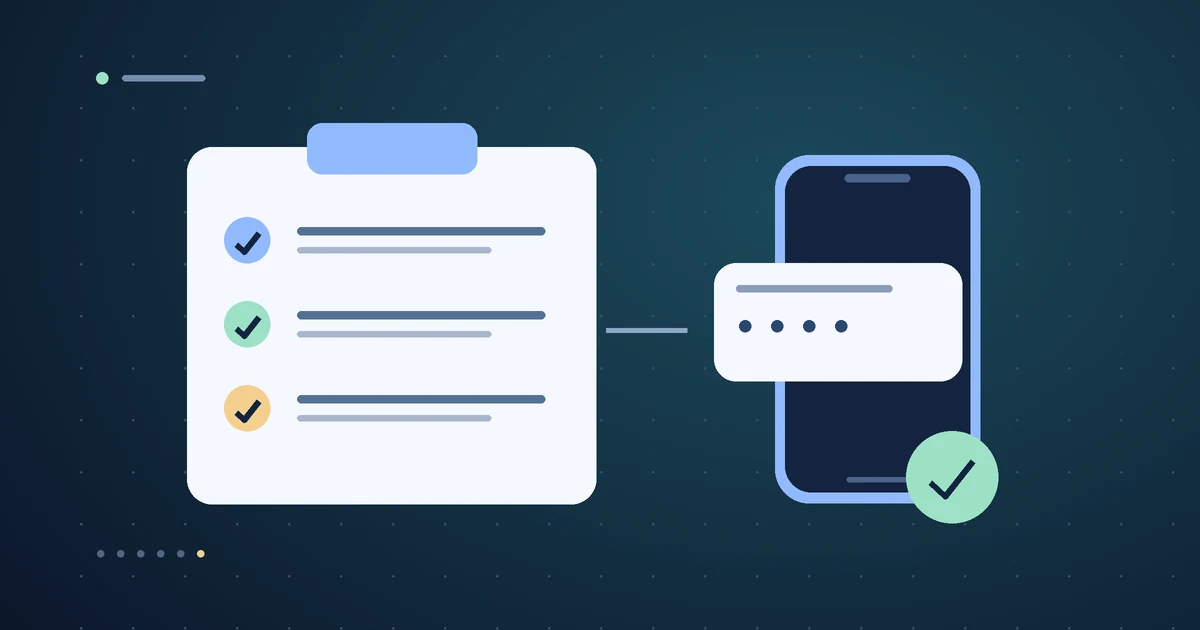
“I paid, but there is no number” can describe several different situations. An invoice payment, available balance and number allocation are separate stages. Locate each state before deciding what happened.
Start with the existing invoice
Open the top-up invoice in your account. Record its identifier and displayed state. Merely opening a payment page does not establish completion, and an external transfer state should not be substituted for the site's crediting state.
Do not create a new payment solely to clear up an unknown first payment. Review the existing invoice and contact official support if its records disagree with what you observe.
Inspect available and reserved funds
The wallet distinguishes available balance from money reserved for an order. A processing order can temporarily hold part of the amount. That is different from a new top-up or another final charge.
Then inspect the SMS order itself: was it created, was a number assigned, and did a message arrive? No order and an order still processing are different cases.
Collect the relevant identifiers
- Top-up invoice ID.
- Crediting time and state, if displayed.
- SMS order ID, if one exists.
Describe the expected and observed outcomes. Do not attach a wallet private key, seed phrase, password or login code. None is needed to explain these stages.
Follow the identified cause
Avoid switching payment methods or making parallel orders while the first state remains unexplained. See reservations and final charges and use the structure in the support-request guide.
← All articles

