
SMS code not arriving? What to check before ordering again
Number allocation, waiting for a message and order completion are different stages. Use a structured check to find the problem before buying another offer.
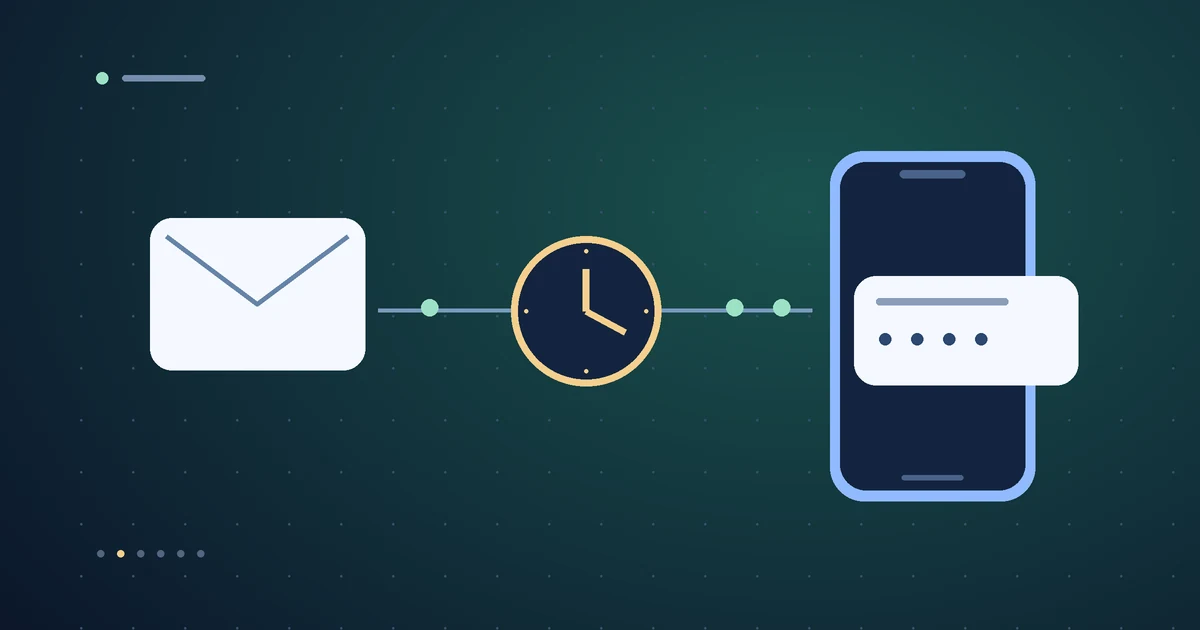
A missing code does not establish the cause of a problem. First identify the stage: a number is being allocated, a number is available and waiting for an SMS, or the order has ended. Buying again before making this distinction can add cost without addressing the cause.
Check whether a number is available
While an offer is being allocated, there is not yet a number to enter on the receiving platform. Wait for the allocation result and read the order status. Preparing access to a number and delivering an already requested message are different steps.
Once a number appears, use the one in the current order. Do not copy a contact from an old screenshot or a previous attempt. Confirm that the order belongs to the platform you are using.
Match the service, country and input format
The offer must match the exact service. A number offered for one product is not automatically appropriate for another. Follow the platform's number-entry format: some forms already add an international prefix, so entering it twice may cause an error.
Do not alter digits to make the form accept the input. If the platform explicitly says the number type is unsupported, a random sequence of new purchases is not a substitute for checking its requirements.
Confirm that an SMS was actually requested
Read the result on the official platform. An error, another verification step or a restriction on repeat requests may mean that no message has been sent yet. A click alone is not confirmation of dispatch.
Keep an error description with secrets removed. It is more useful for investigating the issue than assuming the message must have been lost in delivery. Avoid treating every unsuccessful request as the same failure.
Review status and both time limits
The order timer concerns access to the number. The platform sets the validity of its code. A new order does not extend an old code, and another SMS request does not necessarily extend the order.
If a final check is in progress, wait for the terminal status. Lucky Monkey initially reserves the activation amount. When an order ends without an eligible SMS, the reserve is released according to the order result. This is not a promise of an immediate blockchain-transfer refund. See the payment explanation.
Know when to stop requesting messages
- The platform shows a resend timer or restriction.
- The number type clearly conflicts with the service's requirements.
- The current order window has ended.
- You cannot identify which action a received message approves.
A resend on the platform and an additional-message option in an order can be different features. Use the actions actually available; do not assume unlimited repeats are included.
Prepare a useful support request
Provide the order reference, service, country, attempt time and observed status. Add an error description with sensitive details removed. Passwords, API keys and login codes are unnecessary for explaining this issue.
Before trying again, use the preparation checklist. For timing questions, read number access and code expiry to distinguish the two limits.
← All articles

