
Number access and code expiry: two different time limits
The order and the verification code have separate clocks. Understand why requesting another SMS does not necessarily extend either period.
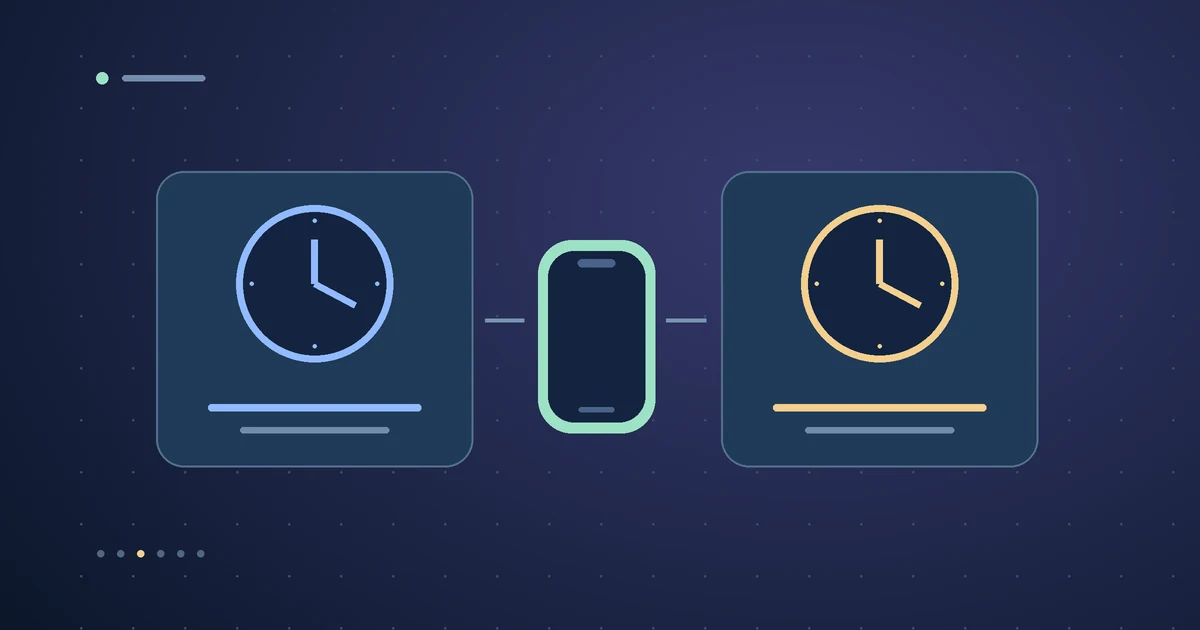
An order can still have time remaining while the platform rejects a received code. A message may also look recent when access to the number has already ended. These situations are possible because the time limits govern different processes.
The first clock: access through your order
The timer in the order concerns temporary access to the number and the activation process. Follow your current order's actual details rather than a duration copied from an old guide or someone else's example.
When the window ends, the number does not become your permanent property. Receiving an SMS today is not a basis for planning another login to that number next week. Consider future contact requirements before choosing temporary reception.
The second clock: code validity on the platform
The service sending the code decides how long it remains valid. An SMS reception service displays the message; it does not set the confirmation period in another company's application.
Purpose matters too. A sign-up code should not be treated as a recovery code, and a previous attempt's message is not necessarily valid for a new attempt. Follow the platform's instructions when several requests have been made: a later request may change which code works.
A resend delay is another limit
A repeat-request button may remain unavailable for a period. This delay is separate from both the order window and the validity of a code already received.
Repeated clicking does not make the delay shorter. Follow the platform timer and the actions actually offered in the order. Receiving an additional SMS depends on the offer and should not be assumed to be included automatically.
An example with two clocks
Imagine number access ending at 12:20, while the platform's code expires at 12:08. At 12:10, the number is still available but that code no longer works. Check whether a new request is permitted and whether enough time remains to complete it.
Conversely, a message arriving just before 12:20 does not extend number access merely because its code has a later expiry. Do not rely on receiving further messages after the window ends. These example times illustrate the distinction; they are not standard durations for all Lucky Monkey orders.
When a timer runs out
- Identify which limit ended: the order, the code or the resend delay.
- Read the platform's message and the current order status.
- Keep codes from different purposes and attempts separate.
- If another request is allowed, use only the available supported action.
- If the order ended, check its result and reserved-funds conditions before buying again.
See the payment explanation for reserves and charges. A late message does not itself establish that an order will reopen or that a refund outside the stated terms is due.
Prepare before the countdown
Open the official application and check your task before receiving the number. For an important account, arrange lasting access first. If a message is missing, use the delivery checklist rather than buying repeatedly without identifying the issue.
← All articles

