
Permission for an SMS test: agree the scope before sending
Define the application, authorized accounts, message budget, success criteria and stop conditions before running an SMS delivery test.
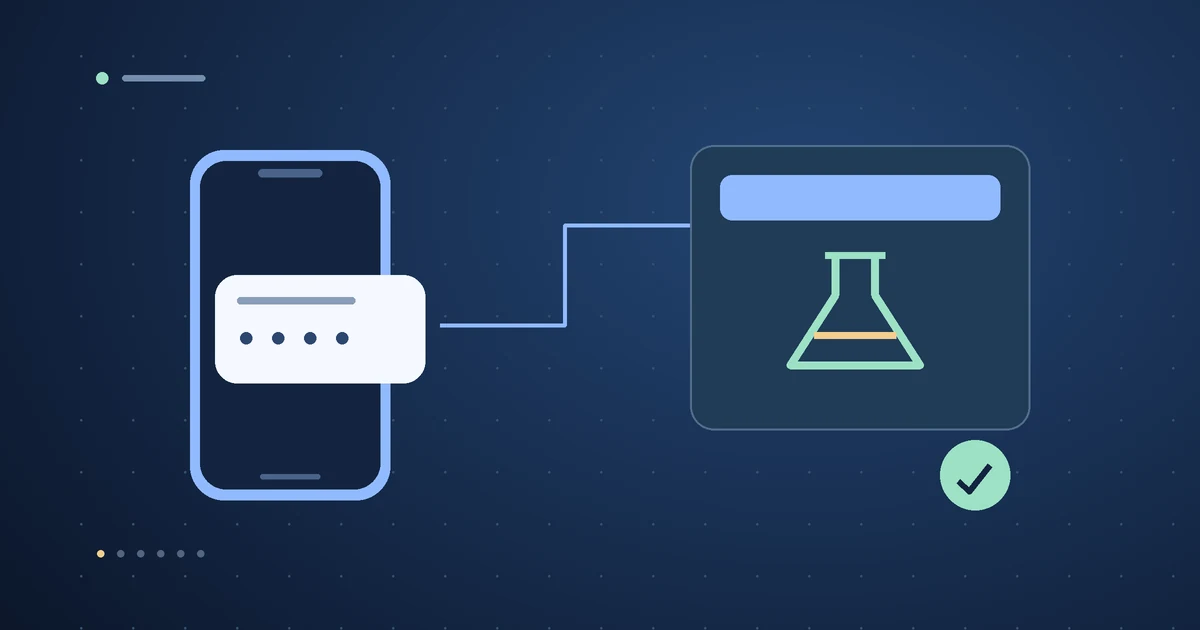
“Test the signup flow” is an incomplete assignment. It does not identify the environment, account owner or permitted number of messages. Write a small test brief before paying for a number, so the result answers a specific question without involving unrelated people.
Name the action and its owner
Record the application, environment and owner of the test account. Permission to test your interface does not authorize creating accounts on every connected platform. Check the external platform's rules and any agreed restrictions separately.
Choose one outcome, such as reaching your staging confirmation screen after receiving a message. Do not mix that objective with attempting access to someone else's account or bypassing platform restrictions.
Make a short test card
- Environment and application build.
- Recipient authorized for this scenario.
- Agreed sending count and spending ceiling.
- Screen or state that demonstrates completion.
- Person responsible for unexpected results.
Confirm that the receiving channel supports the sender. A Lucky Monkey catalog offer belongs to a named service; it is not automatically a general-purpose inbox for an arbitrary application.
Decide when to stop
An unfamiliar profile, unexpected sender or request outside the brief is a reason to pause. Do not enter a code simply to find out what happens. Record the time and a masked status, then ask the system owner to clarify the next step.
A mockup is often enough for a rehearsal. Use clearly fictional data to demonstrate navigation; reserve real messages for a question about actual delivery.
Close with a useful result
Document the objective, observation and difference from the expected result. Leave live codes and passwords out of the report. Remove access to test data under your team's procedure. Continue with the guide to testing your own application and masking sensitive records.
← All articles

