
One SMS order, one action: keep verification flows separate
Match each order to your own intended action, reduce duplicate tabs and check the message purpose before entering a verification code.
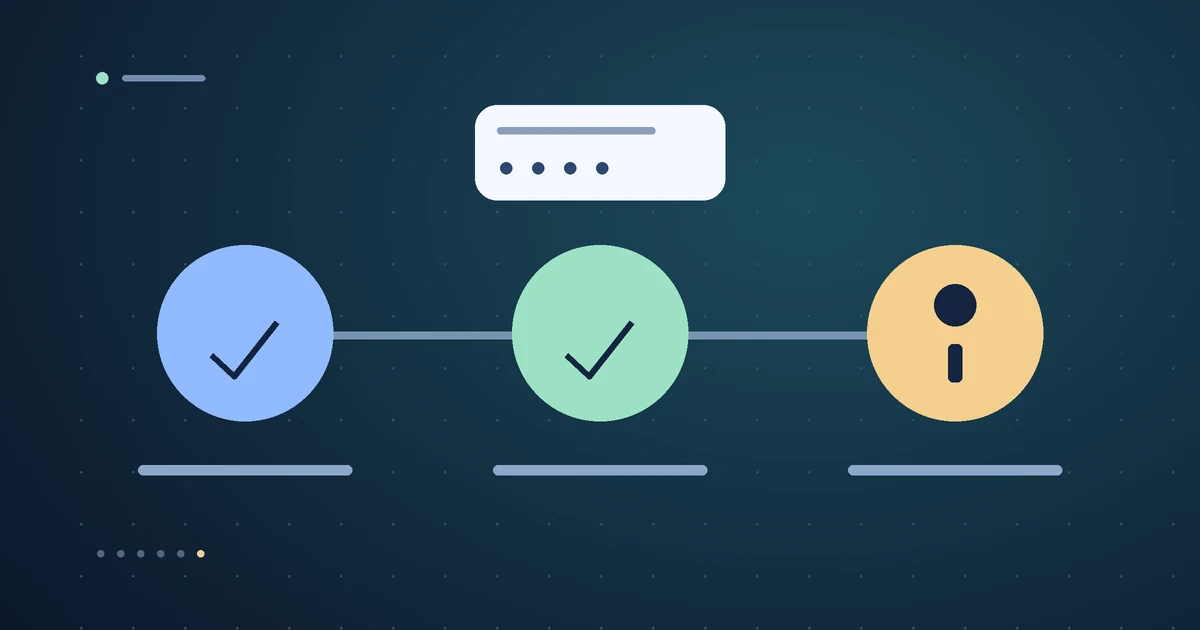
With several tabs open, a code can easily end up in the wrong form. Similar-looking messages make the mistake harder to spot. Link each order to one specific action you initiated instead of relying on memory.
Name the action first
Record the service and purpose: creating your account, signing in or confirming another permitted action. Keep the order ID and request time. You do not need to store the code in that note.
If the message describes a different action, stop. A password-reset message is not a routine signup message just because signup was what you intended to do.
Reduce parallel forms
Keep one receiving-platform tab and the matching Lucky Monkey order open. Duplicate windows may contain an old form or another destination number. Closing a tab does not cancel an order; inspect the order state separately.
- Match the service and number.
- Confirm that you initiated the request.
- Read what the message authorizes.
- Enter the code only in the corresponding official form.
Do not redirect codes into another flow
A code is not universal proof of identity. Forwarding it to a buyer, colleague or supposed operator puts it into a process you do not control. Do not confirm someone else's login under the explanation of checking delivery.
Record completion rather than the secret
Afterward, note that the action completed and verify the resulting screen. An order ID, time and description of the discrepancy are enough to start a support discussion. Read about delivery and registration stages and keeping login codes private.
← All articles

