
Why you should never share a login code
A short code can unlock an account. Learn how to check what an SMS approves and respond when someone asks you to read it out or forward it.
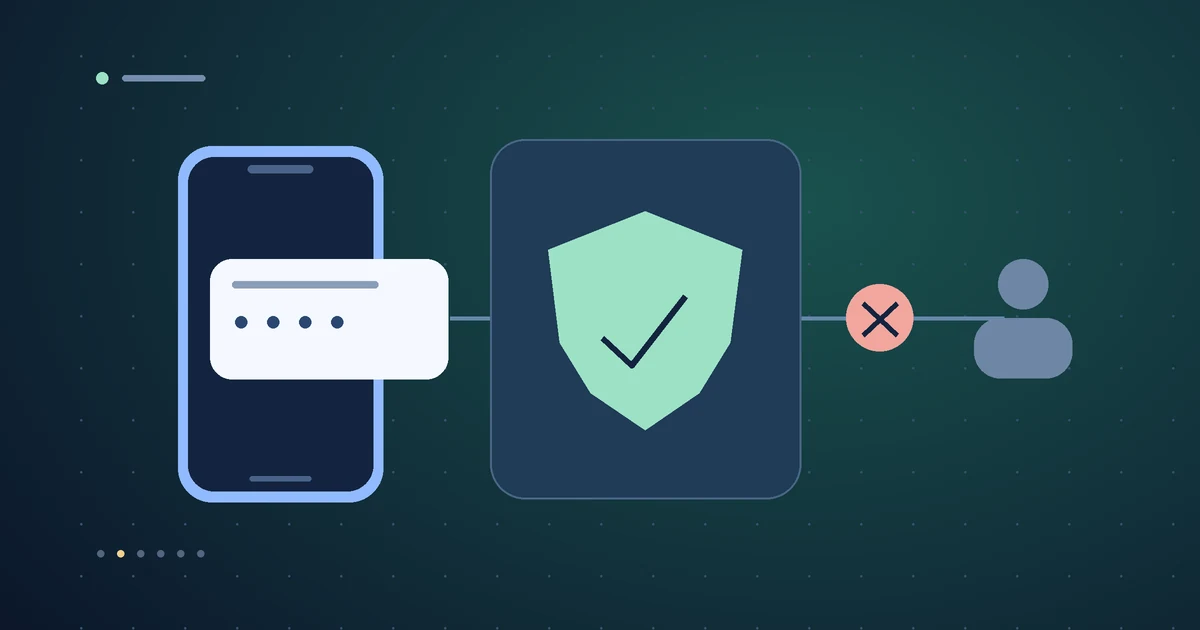
A login code is a secret used to approve a particular action. Passing it to another person may let them complete that action instead of you. This applies equally to a code received on your own SIM and one received through a private temporary SMS order.
Read the purpose, not just the digits
Check the whole message: which service sent it, what action it describes and whether that is the action you started. A login code, a recovery code and a code approving a different operation are not interchangeable.
If the purpose is unclear, stop. Open the official app or website yourself and check your account there. You do not need a link supplied in an unexpected message to do this.
Entering your code and giving it to someone are different
When you initiate a login on a verified website, entering the code into that website's form completes your action. Reading it to a caller, forwarding it in a chat or showing a screenshot gives another person the secret.
The FTC warns about impostors who pose as trusted organizations and ask for verification codes. If an unexpected caller says your login code is needed to protect your account, stop following their instructions. Find the organization's official contact route yourself.
Warning signs worth noticing
- The caller demands immediate action and tells you not to end the conversation.
- The purpose written in the SMS differs from the caller's explanation.
- You are asked to forward the entire message or show a screen containing a secret.
- A supposed check takes you to an unfamiliar website instead of the official app.
These signs are enough to pause and verify the situation. You do not need to identify the caller or argue with them before ending the conversation.
An unexpected code is a reason to check
Do not enter an unsolicited code on a random page or forward it to someone to ask what happened. The message alone does not prove that an account has already been compromised. Open the service yourself and review the security notifications and settings available for your account.
If the message concerns someone else's account, do not try to sign in. Receiving their code does not authorize access.
If you already disclosed a code
End the contact. Through the official interface, check active sessions and the recovery options available to you. End unfamiliar sessions where the service supports this, then follow its official recovery procedure if needed. Do not send another code to a person who promises to fix the problem.
Keep temporary SMS orders private too
Do not post order screenshots containing codes or include secrets in public support requests. An order reference, time and a description of the error will often explain the issue without exposing a login secret. Read sign-up, login and recovery to understand why a message's purpose matters.
Tricking people into revealing codes and accessing their accounts is unacceptable. Responsibility lies with the person committing the deception; someone affected by it needs practical help rather than blame.


