
SMS order creation timed out: retry without creating duplicates
A missing response does not prove that an order failed. Preserve the Idempotency-Key and original body when retrying a Lucky Monkey API request.
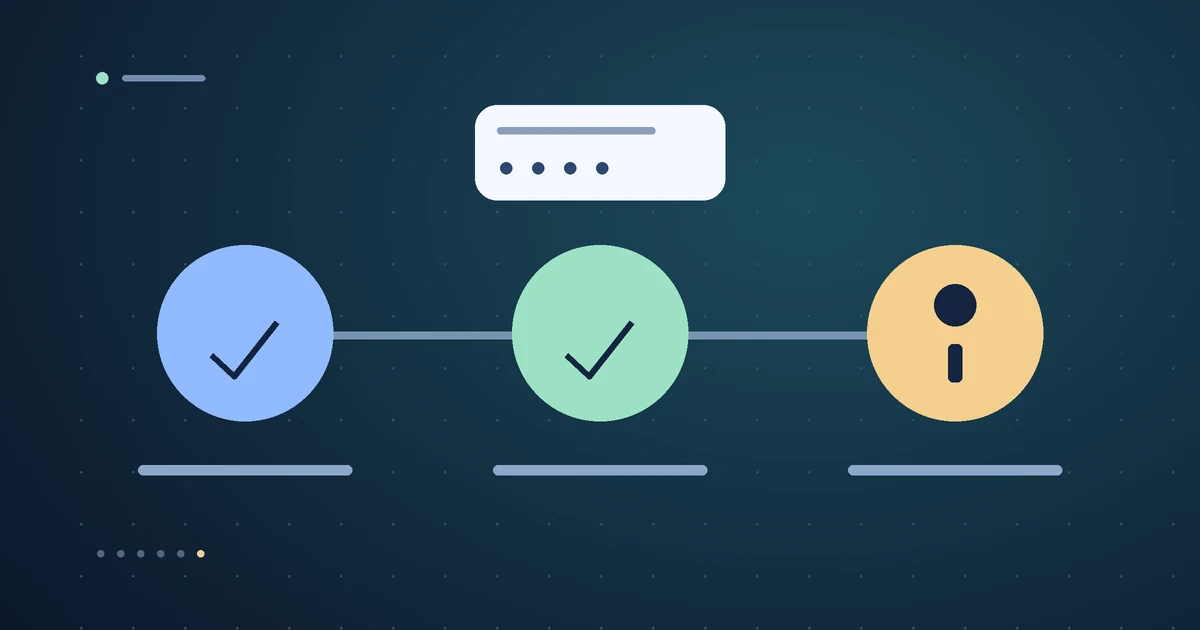
An order may exist even when its client never receives the response. Treating every timeout as a new purchase can create several orders for one user intention.
Create the operation ID first
Lucky Monkey accepts a UUID in Idempotency-Key for a new order. Save it with the parameters before sending. It identifies one operation, not every request the application will ever make.
Assign a new UUID only to a genuinely new intention. A retry caused by uncertainty belongs to the original operation.
Keep the retry unchanged
After a timeout, use the same UUID and body as documented. The API returns the existing order when one was already created. Different parameters under the same key produce a 409 conflict rather than silently replacing that order.
- Preserve the key and original parameters.
- Apply a bounded delay after a network error.
- Retry the same request with the same key.
- Observe the returned order ID afterward.
A changed choice is a separate decision
Selecting another country or offer is a different intention. First establish what happened to the earlier order. A new UUID neither cancels that order nor releases its reserved funds.
Test without real purchases
On your staging system, simulate losing the response after creation. Verify that the client keeps one logical order. Log identifiers rather than Bearer secrets or SMS values. Read the exact API contract and the guide to polling and backoff.


